
Tournament day
Who does what on the day
A tournament day has four kinds of people, and each gets one link that does their job and nothing else. Only the organiser at the desk signs in, and a venue organiser can be invited to run just their own tournament. Everyone else just opens a link — no app, no password. And if the signal drops on the far pitch, scores are kept on the phone and send themselves later.
Who enters the scores: the organiser decides
Before the day, the organiser picks one of three setups:
- Desk only. One person types every score into the Fixtures console. Teams follow the live results on their day sheet.
- Desk and referees or marshals. Each pitch’s referee or marshal records the results on their sheet.
- Desk, referees and team managers. Teams can enter scores too. Matching scores from both teams confirm, and a referee’s or the desk’s score overrides a team’s.
Whichever you choose, the desk can always enter or correct any score, and its score is final.
Organisers: team entry is the switch Teams can enter scores (day sheets & match links) in the tournament’s settings. Referees and marshals enter scores only if you make them a sheet (section 1).
1. The organiser at the desk
Running the day for someone else, at your venue? You’ll get an email inviting you to run that tournament only: accept it, sign in with that address, and everything below is yours for that tournament, settings included, and nothing else in their organisation. Only deleting the tournament stays with them. (Organisers: invite them from the tournament’s Overview, Competition organisers.)
In the week before
- Publish the day: groups, pitches and kick-off times on the tournament’s Fixtures tab.
- Choose who enters the scores (see above): switch Teams can enter scores on or off in the tournament’s settings.
- Make a referee or marshal sheet per pitch (Overview, Match Day Sheets, Referee / marshal sheets, Create sheet). Copy each link and send it to that pitch’s person. Links last 7 days, so make them in the week of the tournament.
- Check every team has a contact email. Their day sheet goes to that address automatically at 07:10 on the morning.
- Print the score cards from the Fixtures console as a paper fallback (the printer icon at the top).
On the day
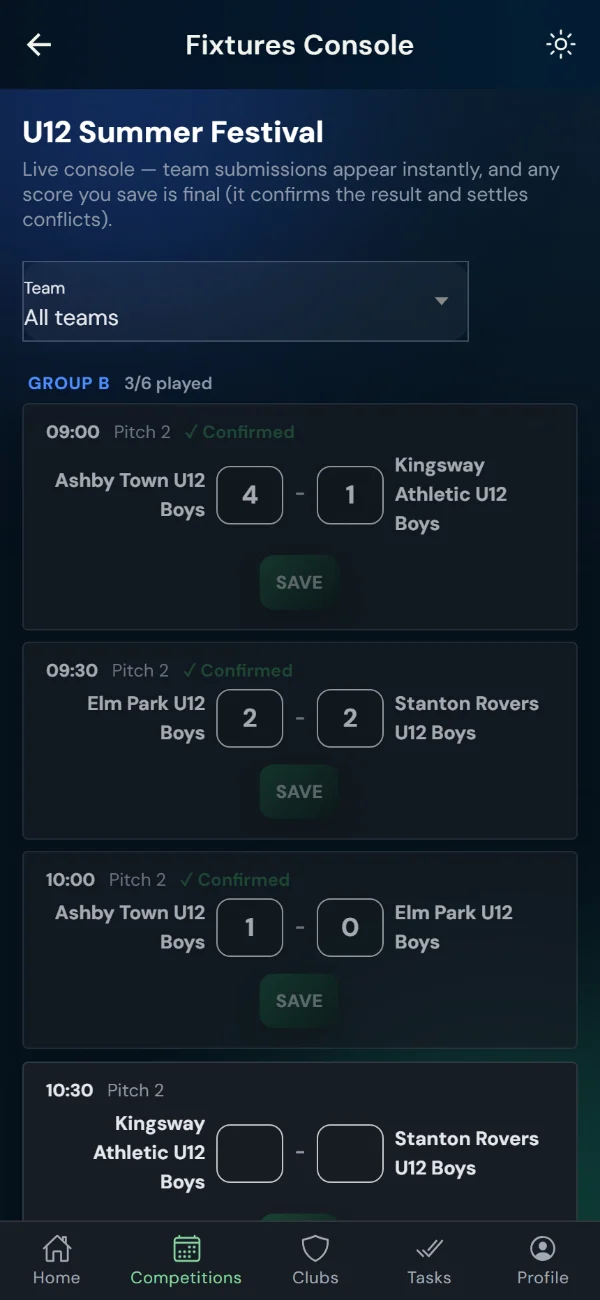
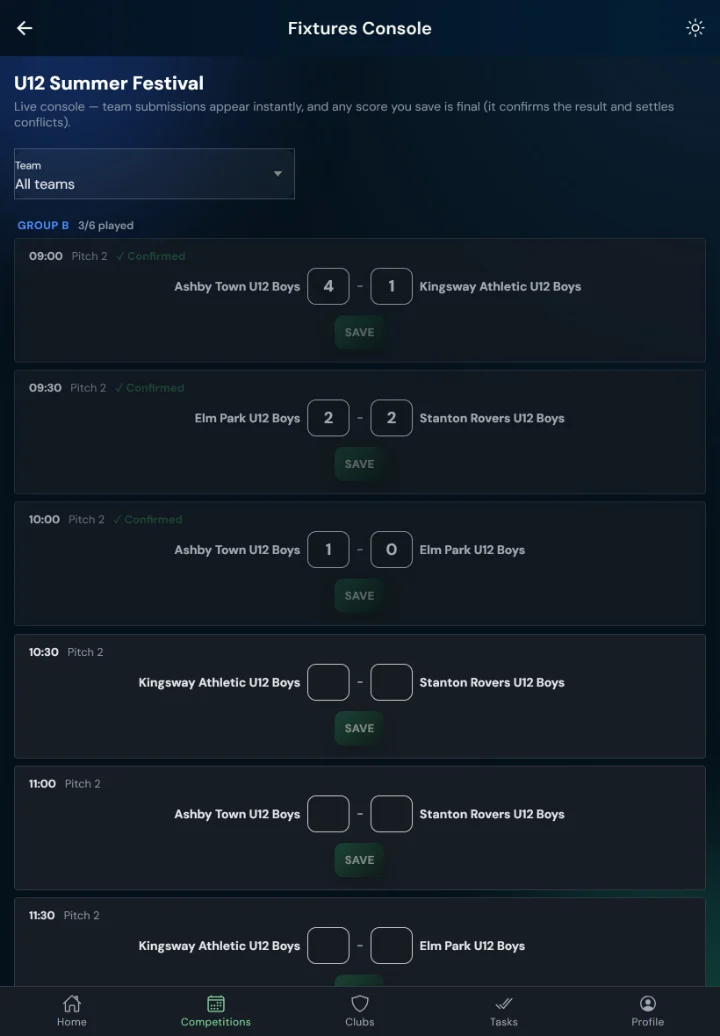
Open the tournament and tap Open Fixtures console: every game, by group, with its time and pitch. Scores from the pitches appear here as they come in.
A score you type and Save here is final: it confirms the result and settles any disagreement. As each group finishes, its table settles and the next round fills itself.
One device can run the whole day on its own: with no signal at all, the console still records every result and fills the next round on that device (the tournament’s Table tab updates too), and catches everyone else up when it reconnects. Sign in and open the console once while you still have signal, before the first game.
2. Referees & pitch marshals
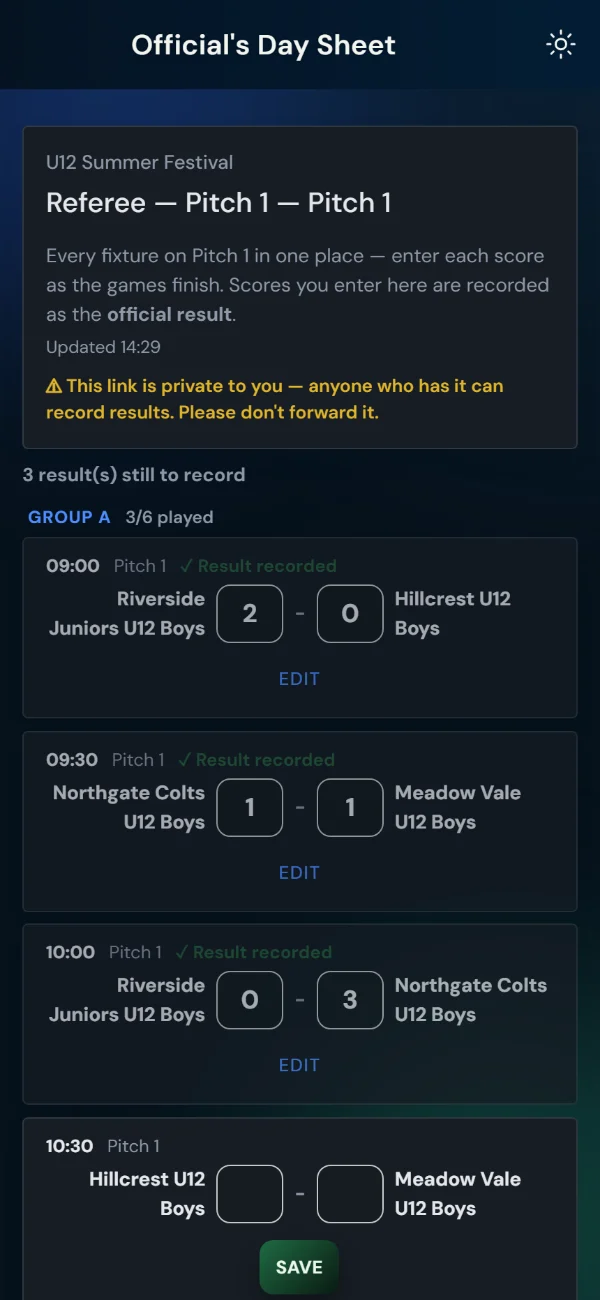
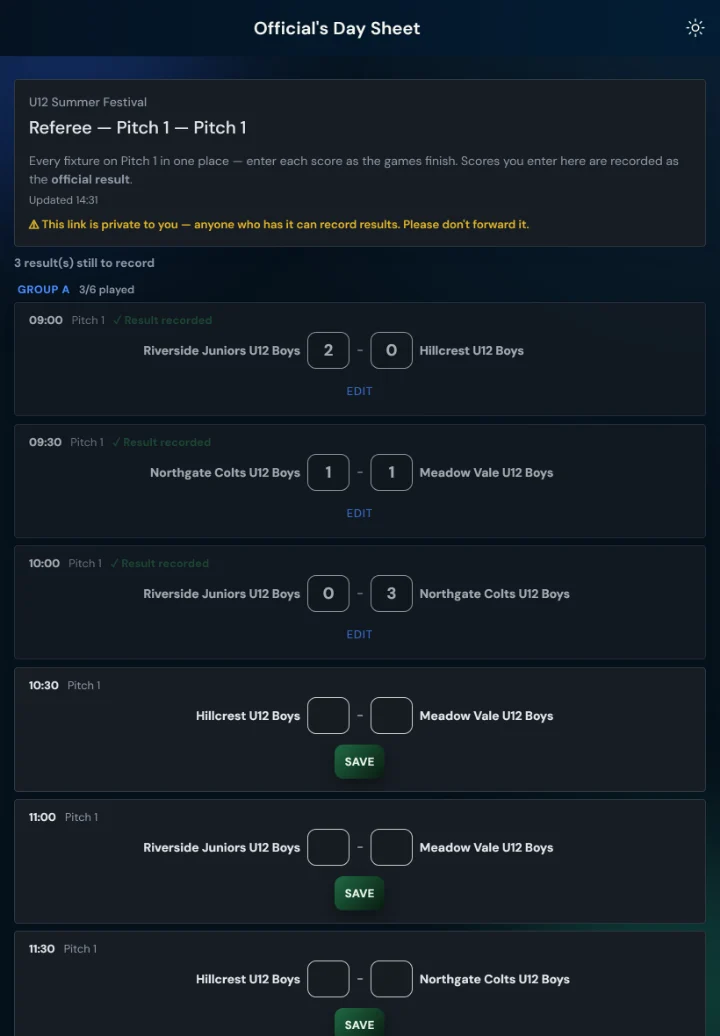
You get one link from the organiser, by text, WhatsApp or email. Open it on your phone: it lists the games on your pitch, in order, with both teams.
When a game finishes, type the score and press Save. That’s it. What you enter is recorded as the official result, so the tables and the next round use it straight away.
Got one wrong? Tap Edit on that game, correct it and save again.
Your link is private: anyone who has it can record results. Please don’t forward it.
3. Team managers
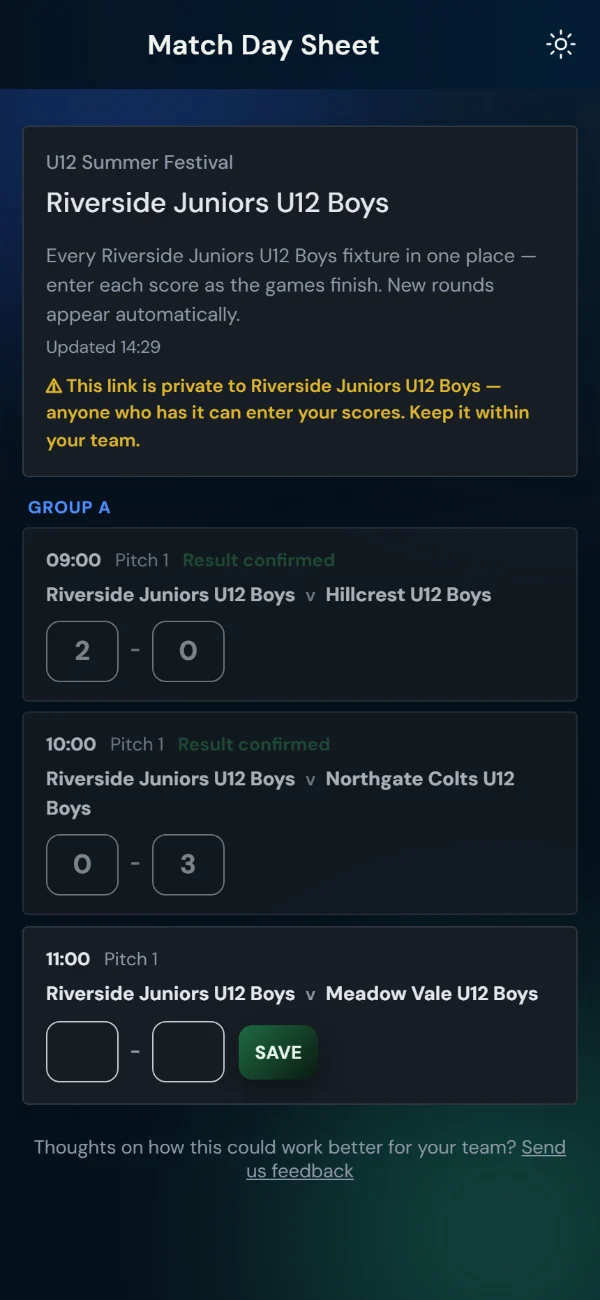
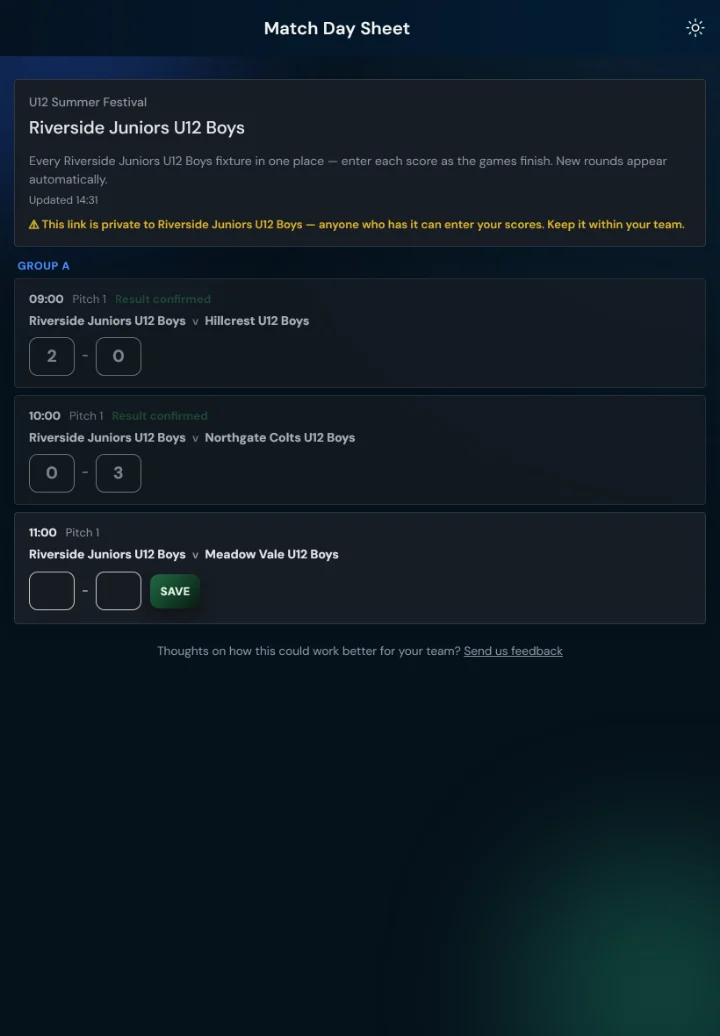
On the morning, you get an email with your team’s Match Day Sheet: every game you play, with its time and pitch. Where the organiser publishes the group tables, they’re on a Tables tab beside your games. Keep it open all day.
New rounds appear by themselves: when your group finishes, your next game (semi-final, plate, whichever it is) shows up on the same sheet.
If your organiser has chosen team entry (who enters the scores), type yours after each game and press Save. If not, your sheet says the scores are entered by the marshals, and you simply watch the results come in.
The link is private to your team. Share the times with parents using the public page instead (section 4).
4. Parents & supporters
Everything public is at leaguehub365.com: search the Match Centre for the tournament, or use the link your team shares. Fixtures and results update during the day, and the group tables too where the organiser shows them. No sign-in, nothing to install, and nothing private on it.
When the signal drops
Nobody needs to do anything different.
- On a sheet (referee, marshal or team): save the score as normal. It shows Waiting to send and goes by itself when the phone finds signal again, even if the page is closed and reopened. The sheet also opens from the phone with no signal, as it last looked.
- At the desk: the console keeps recording and the next round keeps filling, on that device, with the Table tab updating as you go. Everything syncs when it reconnects.
- If a phone dies: use the printed score cards, then type the results into the console when you can.
A score that was saved offline never overwrites a newer one: if the desk has already entered that game, the desk’s result stands.
Good to know
- The desk has the last word. A score saved in the Fixtures console is final; a referee’s or marshal’s is official; teams’ scores confirm when both agree, and the desk settles any that don’t.
- Every link is private to its holder. Referee and team links can record results, so they go only to that person or team.
- Links last 7 days. Referee and marshal sheets made more than a week ahead will have expired; make new ones from the same screen if so.
- No team email, no morning sheet. A team without a contact email isn’t sent one. Add the manager’s email on the team’s entry, then press Email day sheets to all teams (Overview, Match Day Sheets); that team can still follow the day on the public page.
Questions before the day? Reply to any LeagueHub365 email, or contact us — a person reads it.