For team managers
The three things a manager ever does, each under a minute.

For managers and organisers
Sometimes the away team ends up hosting. Here is the one switch that records it, and the one mistake to avoid.
What it means
A reversed fixture is a match that was played at the away team's ground instead of the home team's. The fixture keeps its identity: the home team is still the home team, the score is still recorded home first, and the league table still reads the same way. Only one thing changes, and only in leagues that award a point for travelling.
Clubs swap for all the usual reasons. A pitch is waterlogged and the opposition has a 3G. A school loses its caretaker on a Saturday. Two clubs agree to switch so both sets of parents get a shorter drive one week each.
How to record it
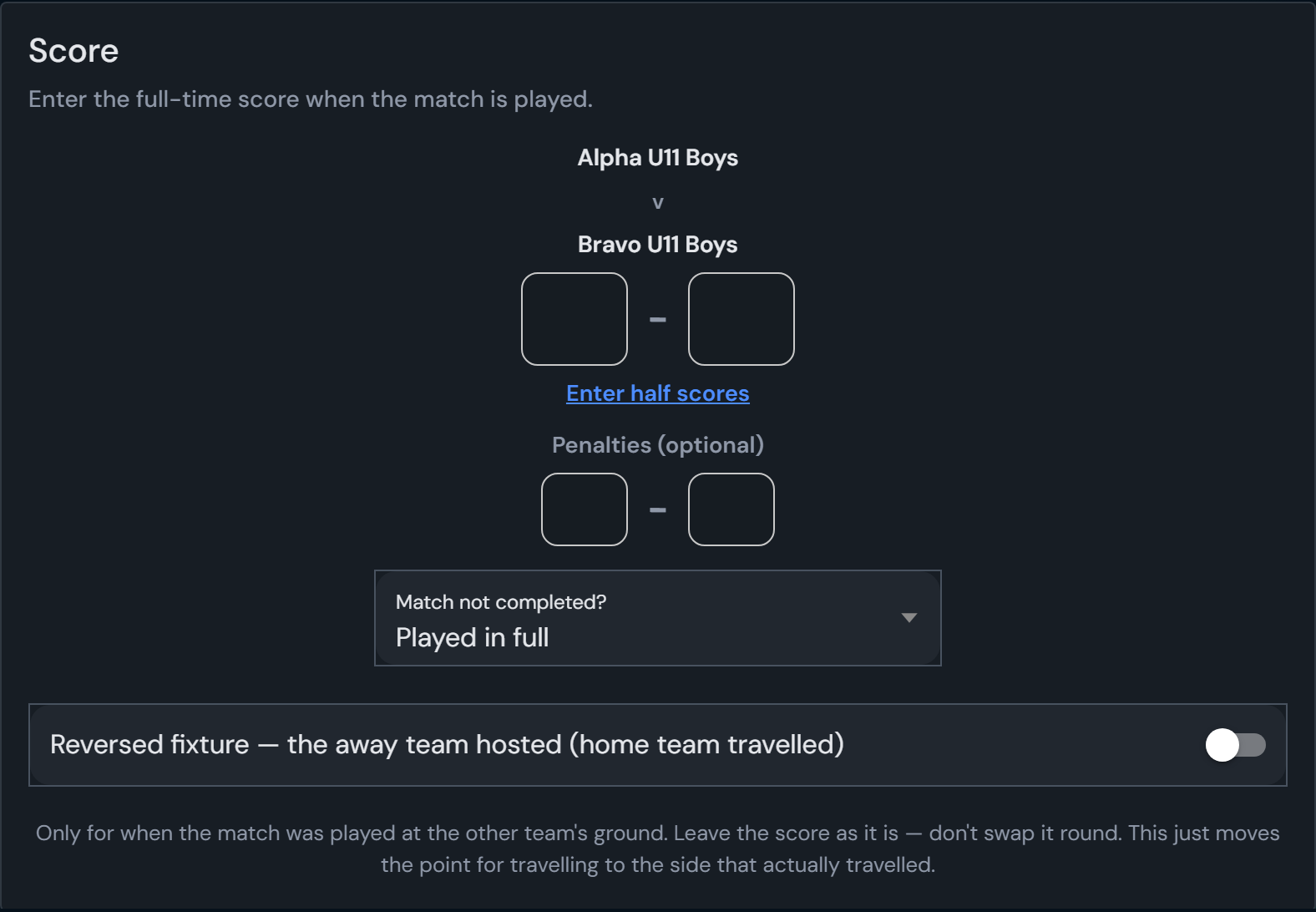
Open your match page from the link in your email and scroll to the score. Under the score boxes you will find the switch:

Turn it on, enter the score as normal, and save. That is the whole job.
The one mistake
This is the part people get wrong, so it is worth saying plainly. If the fixture reads Reigate v Newbury and Newbury hosted and won 3–1, you enter 1–3, because Reigate are still the home team and their goals go in the first box. Then tick the switch.
Do not enter 3–1 and think of it as “Newbury at home”. Doing both, swapping the score and ticking the switch, records the wrong result and the wrong travelling point, and the other team's entry will disagree with yours, which stops the result confirming.
What it changes
Organisers can set the same switch when entering a result themselves, and can correct it afterwards from the fixture if a manager forgot.
Before the match
If you agree the swap before the day, the home team should still set the venue on their match page, entering the ground where the match will actually be played. Both teams are told at once, so nobody drives to the wrong place. Tick the reversed switch afterwards when you enter the score.
If the swap happens because the pitch is unplayable and you would rather postpone than move, use Waterlogged/Frozen Pitch on your match page instead. Both managers agree it there and the organiser is told automatically.
More help
The three things a manager ever does, each under a minute.
Straight answers for managers and organisers: emails, links, texts, scores.
The organiser’s week: Comms plan, Match day, Comms log.
What your association sees, controls and can promise its members.